2.2.1. Deploy new Web Application
You will create a playbook to deploy new application to previously provisioned webservers.
Create a playbook
blue.yaml.- Type
nano playbooks/blue.yaml - Type the following into the
playbooks/blue.yamlfile.
---

- name: Deploy blue www servers
  hosts: appservers
  vars:
    valid_certs: no

  tasks:
    - name: Upload blue changes to server17
      copy:
        src: ../files/HackazonBlue.png
        dest: /var/www/hackazon1/web/images/Hackazon.png
      tags: 17blue

    - name: Upload blue changes to server20
      copy:
        src: ../files/HackazonBlue.png
        dest: /var/www/hackazon/web/images/Hackazon.png
      tags: 20blue
- Type
Run this playbook.
- Type
ansible-playbook playbooks/blue.yaml
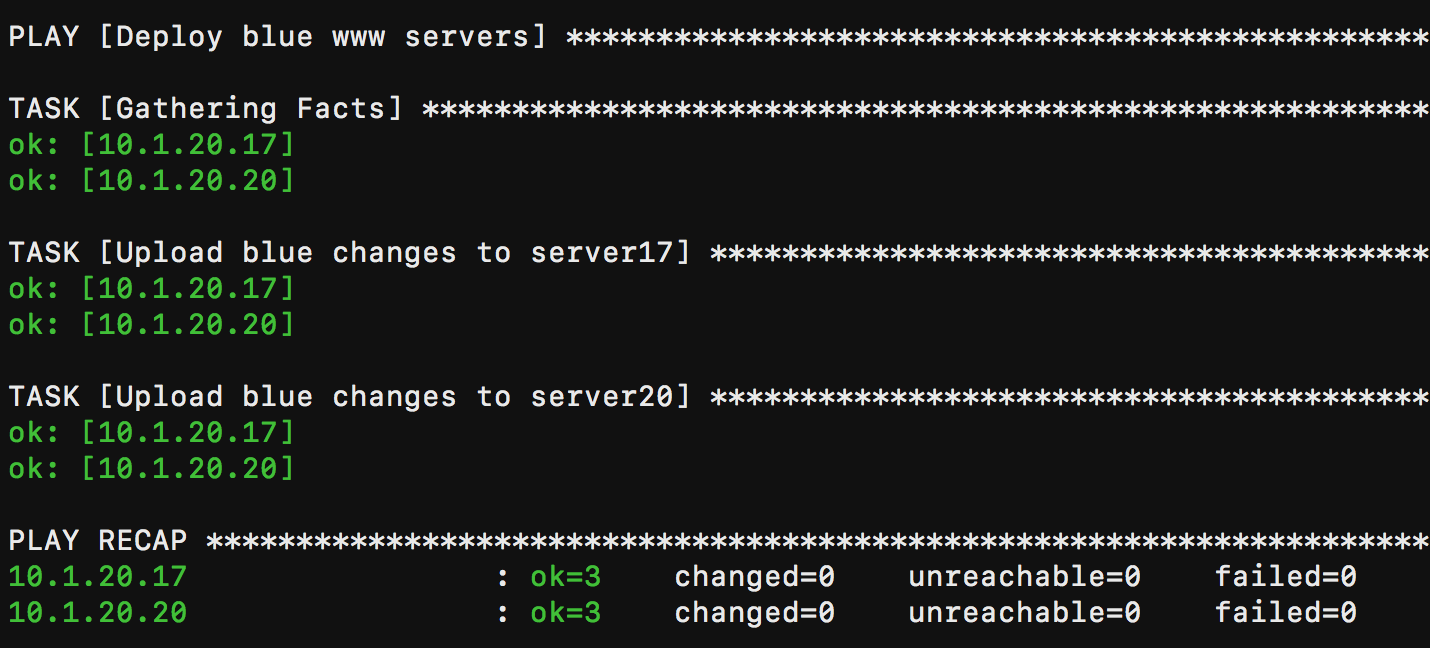
If successful, you should see similar results
- Type
Create a playbook
green.yaml.- Type
nano playbooks/green.yaml - Type the following into the
playbooks/green.yamlfile.
---

- name: Deploy green www servers
  hosts: appservers
  vars:
    valid_certs: no

  tasks:
    - name: Upload green changes to server17
      copy:
        src: ../files/HackazonGreen.png
        dest: /var/www/hackazon1/web/images/Hackazon.png
      tags: 17green

    - name: Upload green changes to server20
      copy:
        src: ../files/HackazonGreen.png
        dest: /var/www/hackazon/web/images/Hackazon.png
      tags: 20green
- Type
Run this playbook.
- Type
ansible-playbook playbooks/green.yaml
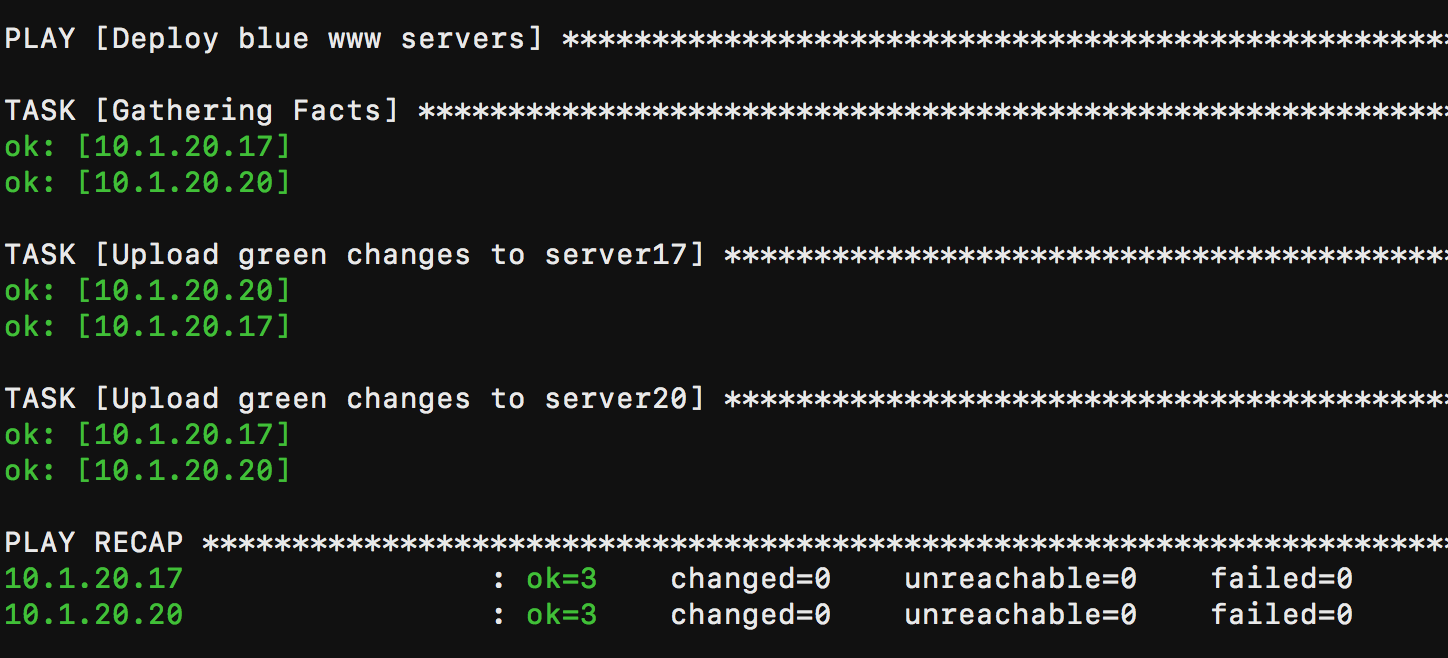
If successful, you should see similar results
- Type